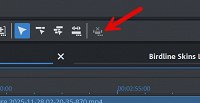
I'm using Video Pro X17. I'm pretty sure in previous versions I could highlight an object(s) and press Ctrl+Delete and the selected objects would be deleted and the gap would be closed (rippled) meaning the objects to the right would move and close the gap. This doesn't seem to be working in Pro X17. I believe it's called remove scene and it shows up in the shortcut editor but the remove scene icon seems to be greyed out. Can anyone using Pro X17 test this for me? Thank you. Kraz